Skip to main content

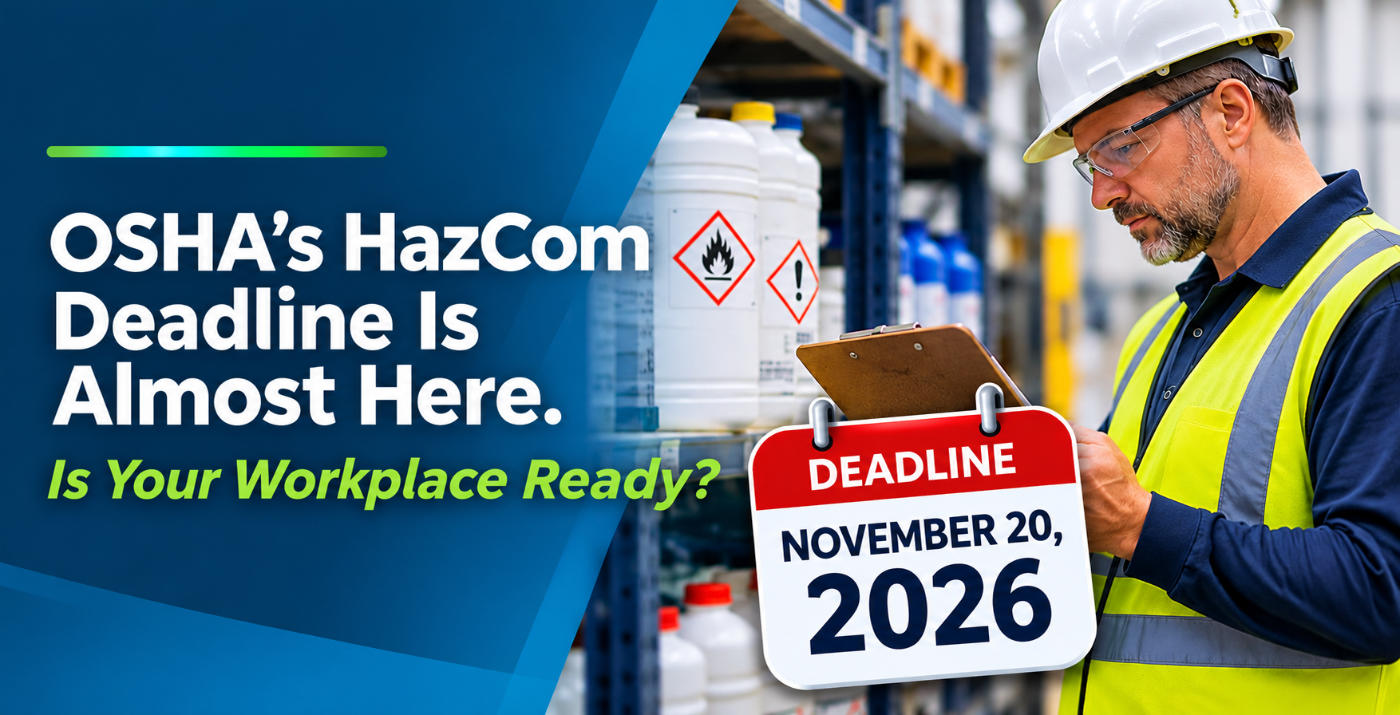
November 20, 2026 is approaching fast. For safety managers already balancing inspections, training, and daily operations, this is one deadline that deserves immediate attention.
Under OSHA’s revised Hazard Communication Standard (HazCom), employers must make necessary updates to workplace labels, written Hazard Communication programs, and employee training for affected chemical substances by November 20, 2026.
Important deadline distinction: November 20, 2026 applies to employer obligations involving substances. The corresponding employer deadline for mixtures is May 19, 2028. Not every workplace will need every type of update; requirements depend on the affected hazards and information.
What should employers review now?
OSHA revised its Hazard Communication Standard to improve how chemical hazards are classified and communicated. As updated hazard information becomes available, employers should focus on three areas.
1. Written Hazard Communication Program
Determine whether newly identified chemical hazards require revisions to your written HazCom program and the procedures used to communicate those hazards.
2. Workplace Chemical Labels
Review updated supplier hazard information and determine whether alternative workplace labels need to be changed.
3. Employee Training
Provide additional training where newly identified hazards affect employees. Making an SDS available is important, but does not replace required training.
The hidden challenge: Are your Safety Data Sheets current?
Even organizations with written HazCom plans can struggle with an important question: Can employees quickly find the correct, current Safety Data Sheet when they need it?
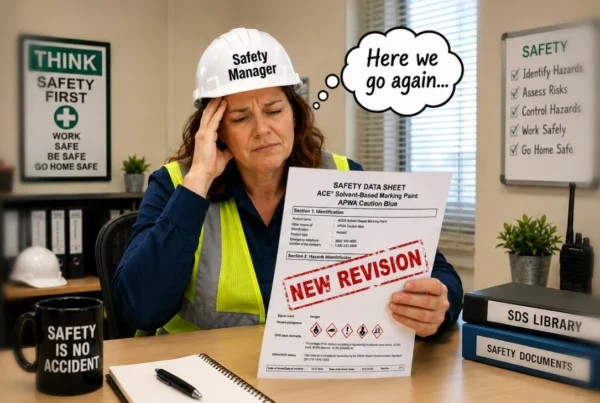
- A manufacturer issues a revised SDS, but a department still relies on an older copy.
- Several facilities maintain separate SDS folders or binders.
- An employee needs hazard information in an emergency and cannot find the right document.
- A safety manager spends valuable time tracking manufacturer revisions manually.
These are more than administrative frustrations. They can interfere with effective hazard communication and emergency response.
Don’t wait for an inspection to find out
Imagine an OSHA inspector asking employees in different departments to locate the SDS for a chemical they use. Can they find it promptly? Do they know where to look? Is the information appropriate for the product in use?
HazCom compliance is not simply a matter of keeping a binder on a shelf. Employees must have ready access to relevant safety information during their work shifts.
Your last-minute HazCom readiness checklist
Use this practical checklist to identify gaps that may need attention before the deadline.
Print a clean one-page checklist, or download a standalone HTML copy that can be printed or saved as PDF. Your current checkmarks will be included.
How M3V helps simplify SDS management
Meeting HazCom requirements should not mean spending countless hours maintaining paper binders, searching for revised documents, or managing complicated software.
M3V Data Management offers cloud-based SDS management designed to help safety teams organize chemical safety information and make it accessible to employees.
- Automatic SDS updates to reduce manual document maintenance.
- Computer, mobile, and QR-code access for employees.
- Unlimited users and departments for organization-wide access.
- A centralized, searchable SDS library to locate information quickly.
- Personal training and support from the M3V team.
SDS software can make HazCom administration easier, but employers remain responsible for assessing and meeting their labeling, training, and written-program obligations.
Managing Safety Data Sheets Shouldn’t Be Complicated or Expensive.
November 20 is approaching. Help your employees find the chemical safety information they need, when they need it.
317-823-2459 · m3vsoftware.com