Skip to main content

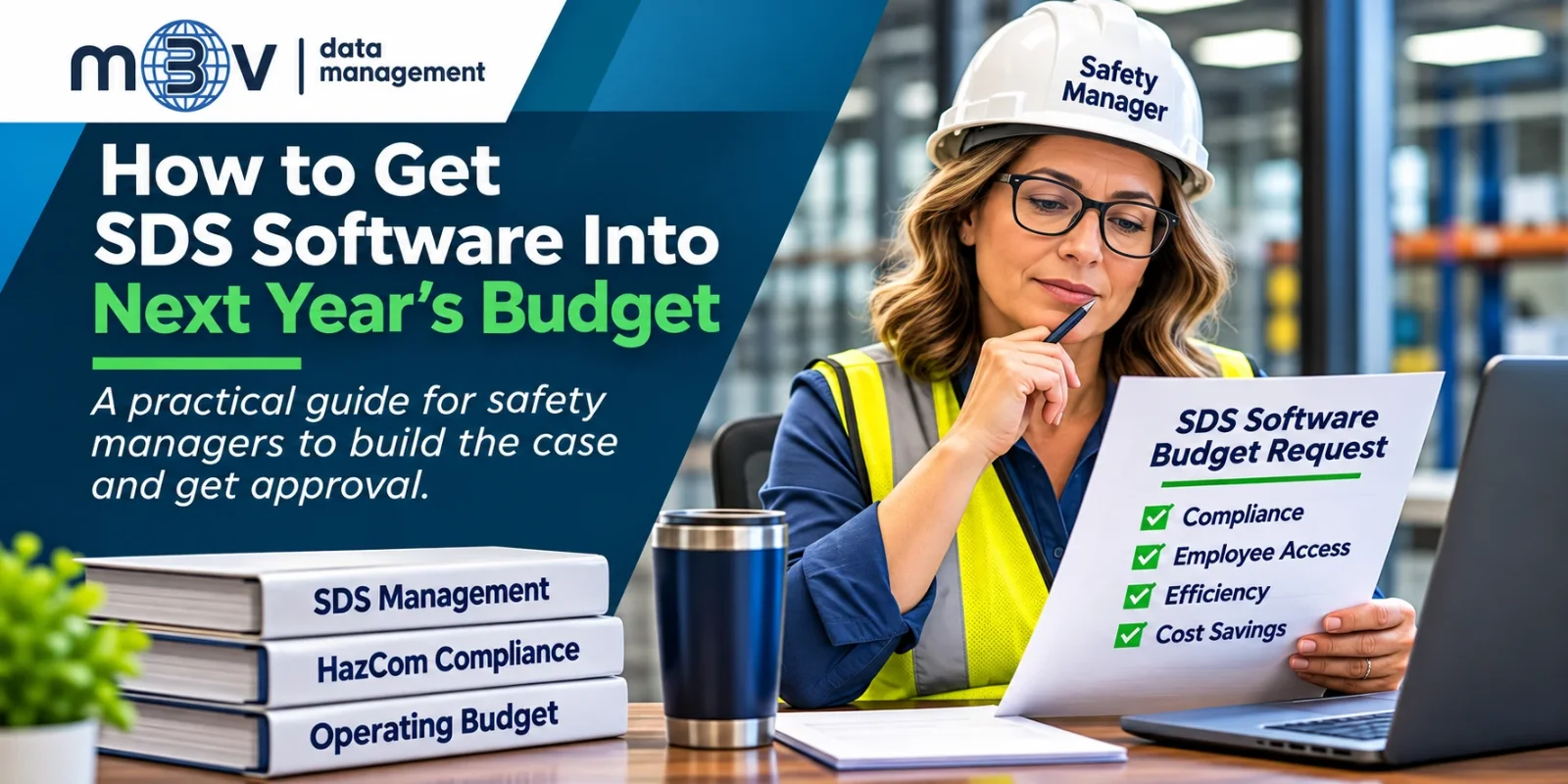
How to Get SDS Software Into Next Year's Budget
Seven practical strategies to justify the cost, demonstrate business value, and secure management approval.
Budget season is here! For safety managers, EHS professionals, and facility directors, that means competing for limited resources while continuing to meet employee safety responsibilities.
You may already know that your organization's Safety Data Sheet (SDS) management process needs improvement. Employees may still search through paper binders, different departments may maintain separate records, or your team may spend hours locating revised documents.
The challenge isn't always recognizing the problem. It's convincing management that fixing it deserves a place in next year's budget.
With a clear business case, SDS management software can be presented as a predictable, manageable expense that supports employee access to chemical safety information and reduces administrative work.
Quick Answer: How Do You Get SDS Software Approved?
Identify gaps in your current SDS management process, document the time and cost of manual administration, obtain a clear annual subscription quote, and explain the benefits for employee access and OSHA Hazard Communication responsibilities. Confirm the correct budget category with finance, then submit a one-page business case showing the annual cost, expected benefits, and purchasing requirements.
1. Make the case for an ongoing safety responsibility
Start with an obligation your organization already has. OSHA's Hazard Communication Standard requires employers to maintain required Safety Data Sheets and make them readily accessible to employees during each work shift. Electronic access is allowed when it creates no barriers to immediate access.
Ask a practical question: Can employees in every department quickly locate the correct SDS for a chemical they use, without waiting for a supervisor?
SDS management is not a one-time filing project. Products change, documents are revised, new employees arrive, and chemical inventories evolve. That makes a well-maintained SDS system an ongoing operating need.
2. Put the subscription in the right budget category
Many cloud-based Software as a Service (SaaS) subscriptions are purchased as recurring services rather than as traditional capital software projects. That can make the annual cost easier to forecast and may allow the expense to fit within an established operating budget.
But SaaS does not automatically mean "not a capital expense," and operating expenses are not automatically approved. Accounting treatment depends on contract terms, implementation costs, applicable standards, and organizational policy. Some implementation expenditures may be capitalized, and IT or procurement review may still be required.
Ask finance whether the proposed subscription belongs under EHS, compliance, risk management, operations, or software subscriptions. Confirm the correct purchasing threshold and approval route before submitting the request.
3. Quantify the cost of doing nothing
Manual SDS management is not free. Safety personnel may spend hours requesting revised documents, replacing binder pages, organizing department records, and helping employees locate information. Track this work for two to four weeks and estimate the annual labor cost.
For example, four hours a week at a fully loaded labor rate of $35 per hour equals $7,280 a year in staff time. A software subscription may reduce part of that workload, although it will not eliminate all administrative work.
Updating 200 SDSs that are more than 1 or 2 years old, assuming you spend 30 minutes from the moment you identify the old SDS to the moment your new SDS is in the binder or filed electronically, will cost you (200 ÷ 2) × $35/hour = $3,500 to update your records.
Use the simple planning calculator below to illustrate your own numbers. It is a budgeting aid, not a savings guarantee.
4. Focus on employee access and risk reduction
During an exposure, spill, or other incident, employees need dependable access to relevant chemical information. A centralized searchable library, mobile access, and QR-code signs can make that information easier to locate across facilities and departments.
Electronic access still requires practical safeguards: employee training, available devices, reliable connectivity, and procedures for system outages. SDS software supports a Hazard Communication program; it does not replace workplace labels, written procedures, or training.
Can You Pass a HazCom Quiz?
Find out for free! Test your Hazard Communication knowledge with M3V's quick, two-minute quiz.
Click Here: Take the Free HazCom Quiz5. Remove purchasing surprises before they happen
Purchasing departments want a complete, understandable proposal. Gather the annual subscription price, any one-time setup or data-entry charges, number of facilities covered, contract and renewal terms, training and support details, expected implementation timeline, and any IT security documentation.
Ask whether your organization needs competitive quotes, a purchase order, legal review, or a formal vendor assessment. An inexpensive subscription can still be delayed if these steps are overlooked.
6. Recruit allies beyond the safety department
SDS access affects operations, maintenance, facilities, healthcare staff, custodial teams, environmental compliance, and risk management-not just EHS. Ask a few department leaders how often their employees need chemical information and where they encounter delays.
A request supported by several operational stakeholders may carry more weight than a proposal presented as a convenience for one department.
7. Present a one-page business case
Decision-makers usually need five answers: What is the problem? Why does it matter? What does the current process cost? What will the solution cost? How will success be measured?
Keep the request concise. Define a baseline and practical outcomes, such as less time spent maintaining records, faster employee retrieval of SDSs, or more consistent access across facilities. Avoid claiming that software alone guarantees compliance.
Typical SDS problems: Outdated SDSs; binders or files that are not regularly updated; SDS information that is not digitized for employees to process quickly; the risk of OSHA citations (Hazard Communication is the second most frequently cited OSHA violation.); delays in identifying the correct SDS and appropriate response during a spill or accident; and the misconception that SDS binders alone replace the chemical inventory required by OSHA's Hazard Communication Standard.
Estimate your current SDS administration costs
Change these illustrative inputs to estimate your annual manual labor expense. The comparison assumes all listed hours could be eliminated; real savings will generally be lower.
This is an illustrative comparison, not an M3V price quote or a promise of savings. Actual savings depend on time reduced, implementation costs, and ongoing administration.
Ready to Simplify Your SDS Management Budget?
See how M3V can help reduce administrative work, improve employee access to SDSs, and simplify ongoing SDS management. Request a no-obligation quote or schedule a demonstration.
Next Year's SDS Budget Approval Checklist
Use this seven-point checklist before meeting with management or purchasing.
The print view is formatted as a clean, one-page handout and preserves your checkmarks.
M3V Data Management · www.m3vsoftware.com · 317-823-2459
Frequently Asked Questions About SDS Software Budgets
Is SDS management software an operating expense or a capital expense?
A typical cloud-based SDS software subscription is often budgeted as an operating expense because the organization pays for ongoing access rather than buying the software outright. However, contract terms, implementation costs, accounting standards, and internal policies can affect classification. Ask finance and purchasing to confirm the correct treatment before submitting the request.
How much should a company budget for SDS management software?
The budget depends on the number of Safety Data Sheets, facilities, implementation requirements, support, and the vendor's pricing model. Request an itemized quote showing recurring subscription fees, any setup or data-entry costs, training, renewal terms, and optional services. Compare the total annual cost with the time and resources your organization currently spends managing SDS records.
How can a safety manager justify purchasing SDS software?
Document current problems such as missing SDSs, manual updates, difficult employee access, and time spent maintaining binders. Estimate administrative labor costs, identify safety and compliance benefits, obtain a written quote, and present a concise business case with measurable goals. Support from operations, facilities, and risk management can help demonstrate organization-wide value.
Does OSHA require employers to purchase SDS management software?
No. OSHA's Hazard Communication Standard requires covered employers to maintain required Safety Data Sheets and ensure employees can readily access them during their work shifts; it does not require purchasing a particular software product. Electronic access is permitted when it does not create barriers to immediate access. Employers still need an effective overall Hazard Communication program.
How can SDS management software reduce administrative costs?
A searchable, centrally maintained SDS library may reduce time spent finding documents, distributing updates, and managing separate paper binders. The potential savings depend on the current process, number of locations, software capabilities, and staff adoption. Record current administrative hours, estimate realistically how much time the software could save, and compare the results with total subscription and setup costs.
How M3V makes the budget decision easier
M3V Data Management provides cloud-based SDS management designed to simplify chemical safety information access. Chemical Management Navigator offers a searchable SDS library, automatic SDS updates, unlimited users and departments, mobile and QR-code access, personal training and support, and no long-term contracts.
When preparing your proposal, ask for a quote that clearly separates first-year setup costs from ongoing subscription fees. Then connect the investment to measurable administrative improvements and dependable employee access.
Managing Safety Data Sheets Shouldn't Be Complicated or Expensive.
Start with a quote. Build your business case. Get SDS management into the budget.
317-823-2459 · m3vsoftware.com